Google Chrome
Safe, fast, and reliable browsing with Google Chrome

Safe & Secure
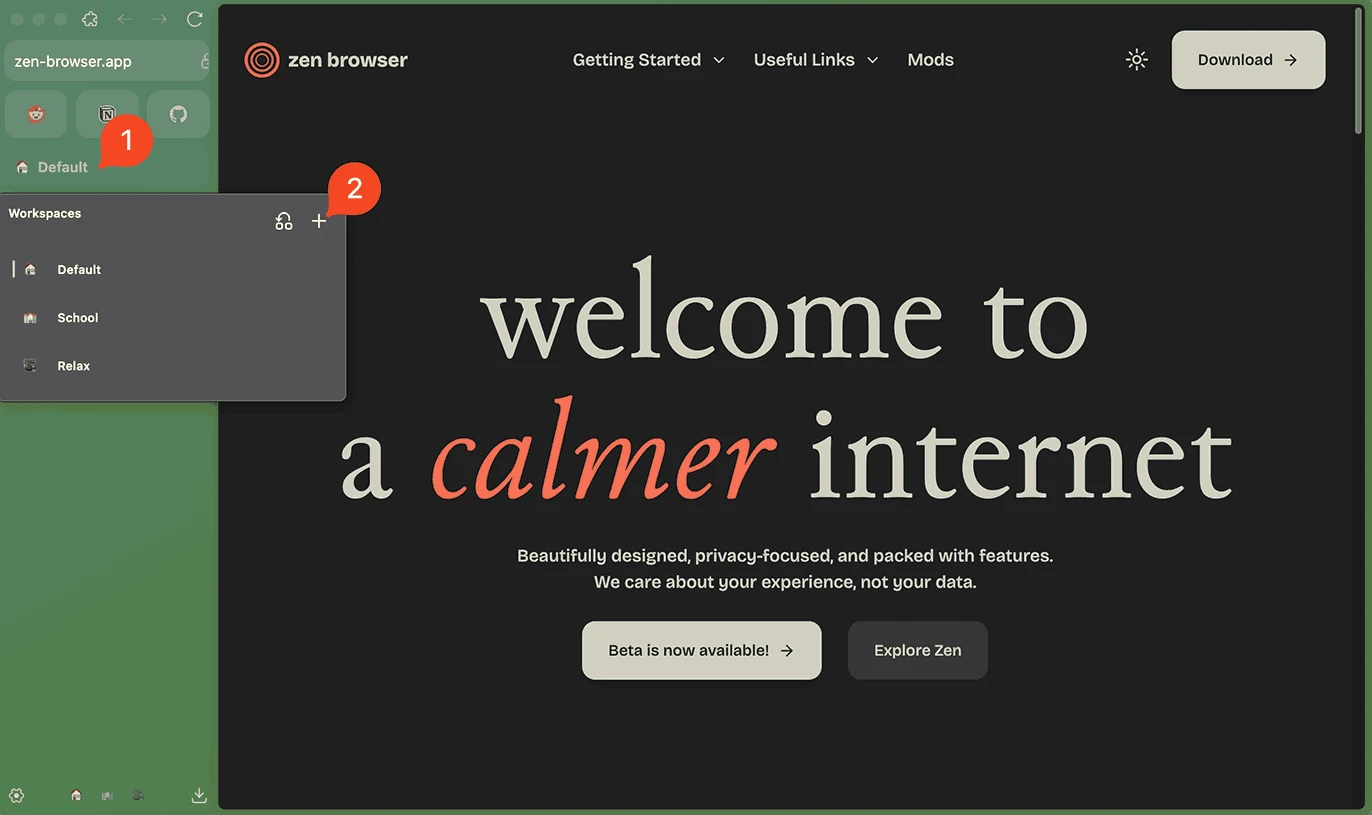
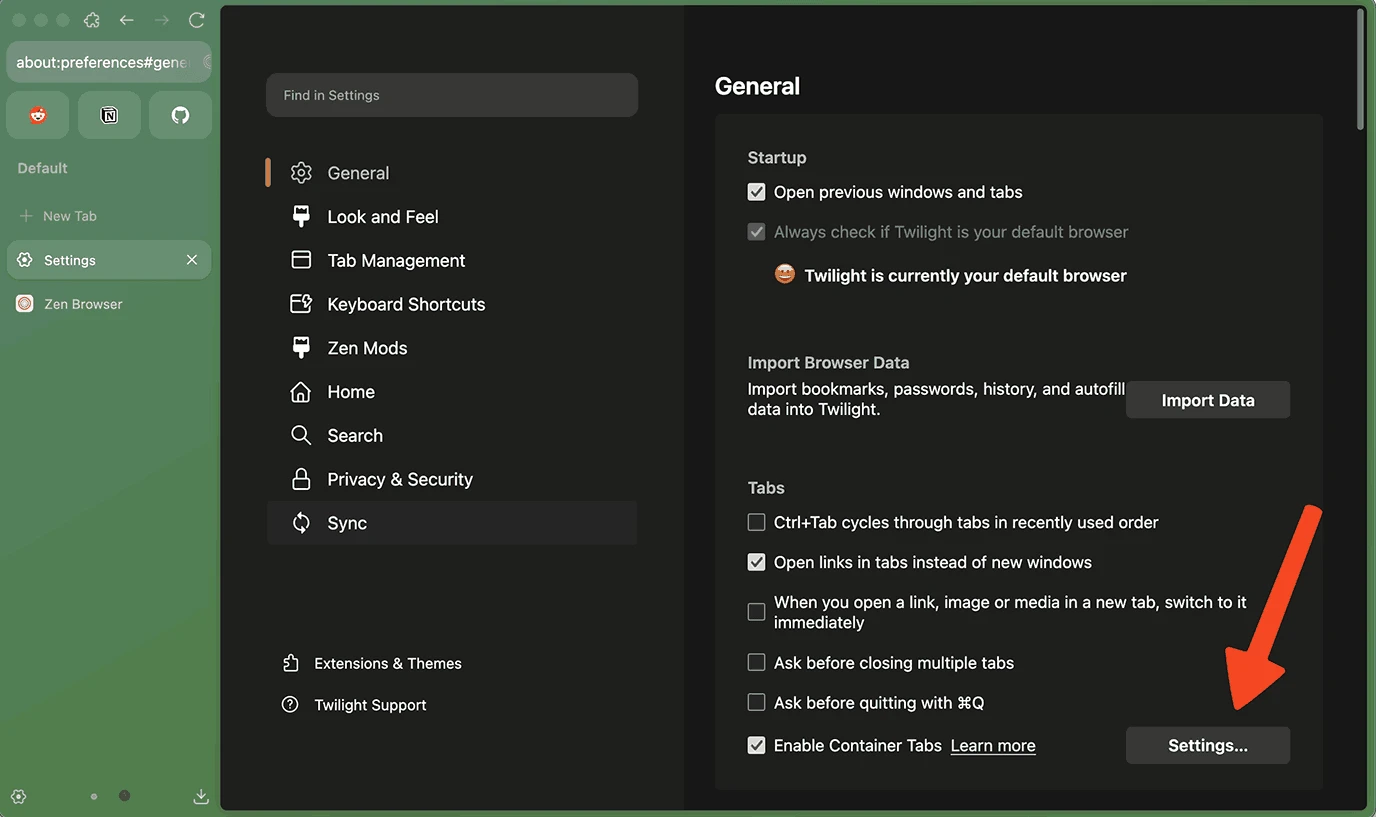
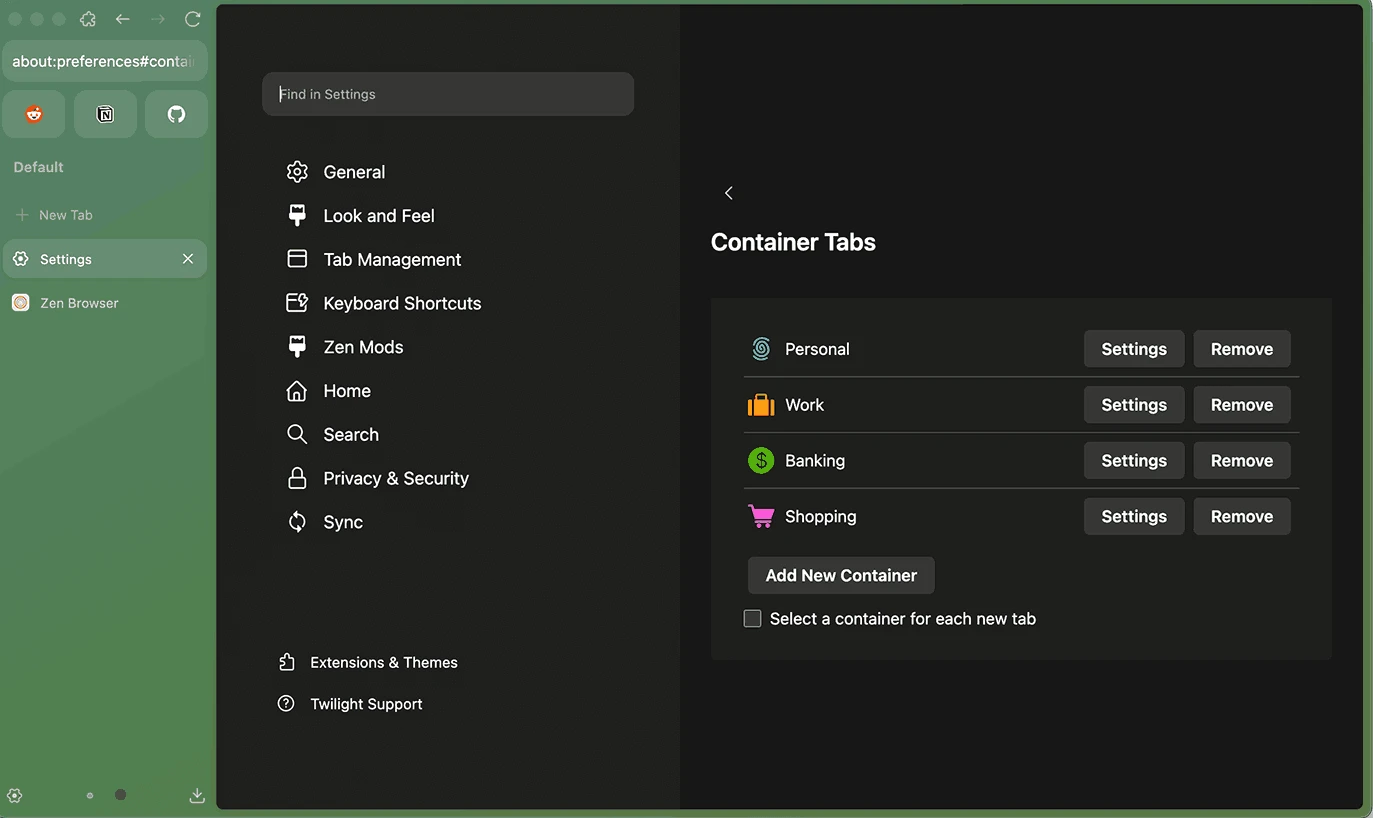

Zen Browser is an open-source, free-to-use web browser that is based on the Gecko engine used by Mozilla Firefox. It streamlines an efficient web browsing experience, emphasizing simplicity and speed, and is equally reliable for both professionals and users with less technical skills. The modern and privacy-focused utility proves to be the best alternative to multiple mainstream utilities, including Chrome, Edge, and so on.
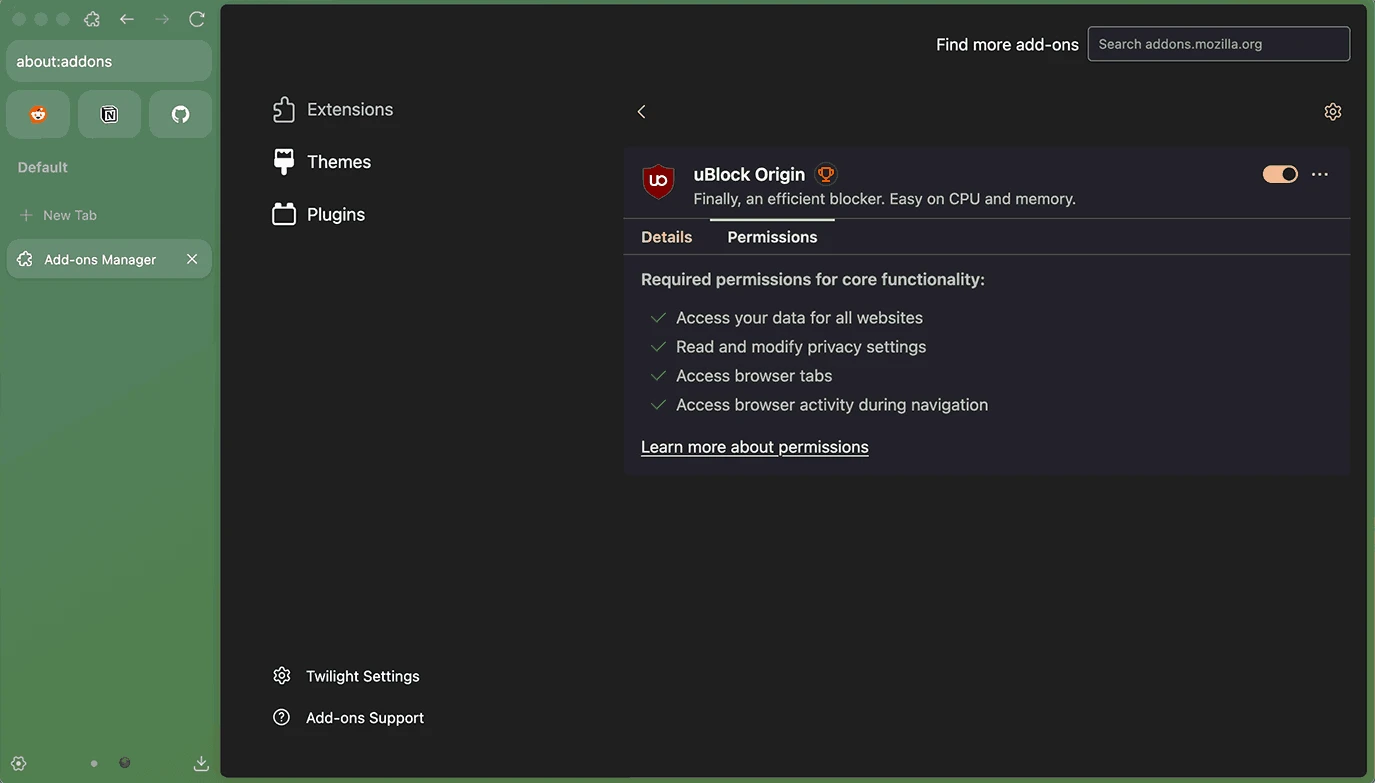
The app simplifies an awesome browsing experience with support for multiple extensions and plugins, and is embedded with a lot of innovative features such as tabbed browsing, a built-in ad blocker, customizable themes, and so on.
Zen Browser, developed by Zen Team in 2024, falls under the Internet category and is freeware software that is licensed under the Terms of Mozilla Firefox. It supports Mozilla’s Gecko engine, combining strong privacy protections, extensive customizations, and a productive browsing experience.
The app offers a built-in live feed to enable users to stay up to date, and also a built-in ad blocker to avoid all types of advertisements. The robust page loading times, reduced data usage, and organized workflow are the major capabilities that make the app one of the best modern web browsers across the world.
The new modern design offers a vertical tab workflow, offering toolbar and the tab list to the left of the window. However, it is customizable, allowing users to switch back to the legacy position of the tool, in case of feeling inconvenience with the new style. Beyond enhanced tab management, it also utilizes workspaces to allow concurrent browsing sessions. You can conserve screen real estate by hiding the tab bar using Compact Mode, use the Glance option for accessing frequently used tabs, and use the bookmark manager for storing your favorite URLs. Likewise, Split View is available to offer side-by-side panes to compare multiple pages and multitask.
The app offers all three major traits that are necessary for any Internet navigator, such as fast, beautiful, and private. On clicking the “Next” button, you will be directed to the full customization to change the entire appearance according to your preferences. you change the color, theme, import data, and select your desired search engine. So, you can customize the app before starting your browsing.
Privacy is the main priority, positioning the app as private and up-to-date. It offers all important functionalities that make your browsing fully controlled and secure. It doesn’t track your data, as featuring minimal data collection. You are capable of keeping your online browsing safe while using HTTPS-only browsing.
The free-to-use and open-source browser offers privacy-focused navigation within a secure and modern-looking interface. You can get the source code from GitHub and use the open development model for community contributions, transparency, and audits. It keeps the app up-to-date, employing the latest security features. It offers multiple built-in functionalities, such as reading modes, screen capturing, and so on, for multitasking without adding extensions.
The app offers compatibility with Firefox extensions, enhancing productivity. It is very simple to add any extension according to your requirements. Moreover, it blocks ads while utilizing a hosts file to enable users to manage their privacy settings. The support for AdGuard syntax offers flexible configurations according to individual needs.
The app with lightweight capacity proves like a breeze for your system, as it doesn’t require many system resources. So, you can run it even on older machines, and even those with limited hardware capabilities. Its user-friendly interface proves it is one of the best alternative of other popular standard web browsers, and reliable specifically for users who prefer a browser with foolproof privacy, security, and customization.
Pros
Cons

Safe, fast, and reliable browsing with Google Chrome

Opera offers the best browsing functionalities including built-in VPN, ad-blocker, and Turbo mode.

Fast Browsing with offering Cutting-edge Security and Speed.

UC Browser for PC, the leading mobile browser now available for PCs

Cent Browser is a Chromium-based browser with seamless browsing online

Firefox can display a large number of pages and extra capabilities that can help you online very fast.